Samsung & LG Smart Screens
Stream directly on your television display through native applications available in the Samsung Tizen Apps store or LG webOS Content Store (such as IBO Player or Nanomid).
HARDWARE & PLAYERS
Discover recommended player software configured for smart screens, streaming sticks, mobile hardware, and desktop workstations. Review supported operating systems, playlist formats, and connection credentials prior to launch.
On this page
Stream directly on your television display through native applications available in the Samsung Tizen Apps store or LG webOS Content Store (such as IBO Player or Nanomid).
Equip Sony, Philips, Nvidia Shield, or Chromecast units with premium players like TiviMate or Smarters Pro downloaded directly from official Android application stores.
Connect your streaming Fire device directly via HDMI. Sideload top-tier players such as TiviMate or 1-Stream using the Downloader utility for ultra-smooth playback stability.
Take live streams on the move with smartphone and tablet players like Smarters Player Lite or GSE Smart available in the App Store and official Android market.
Enjoy snappy living-room streaming via Apple TV hardware using iPlayTV, or run desktop media players with full playlist capabilities on PC or Mac.
Utilize integrated Stalker middleware or MyTVOnline dashboards. Provide your MAC hardware address on WhatsApp for rapid backend provisioning.
Software accessibility differs according to television production series and operating firmware. Review the hardware tiers below to pick an optimal player client.
Remote control ergonomics and touchscreen layouts differ across devices. Consult our step-by-step setup walkthrough for detailed configuration instructions.
Unsure which player to install? Message your device model name on WhatsApp and our technicians will advise you promptly!
Choose your platform below to access recommended software links and store directories tailored for your screen.
Official installation portals for major screen manufacturers. Verify model compatibility before installing.
Verified application installation files. Ensure your set-top box runs Android 9 or newer.
Rapid deployment setup via Downloader code on Fire TV hardware.
Native App Store installation for Apple TV 4K living-room devices.
Secure mobile installations for streaming entertainment on cellular or Wi-Fi networks.
Optimized widescreen tablet interfaces with intuitive touch control gestures.
Desktop software installer supporting multiple monitors and hardware-accelerated decoding.
Step-by-step video instructions for MAG and Formuler MyTVOnline firmware configuration.
Send your brand name and model number on WhatsApp. Never share private security credentials.
SELECTING A MEDIA PLAYER
Industry-standard players include TiviMate, IPTV Smarters Pro, XCIPTV, and IBO Player. Feature availability varies according to your hardware environment.
TiviMate, IPTV Smarters Pro, and XCIPTV serve as standalone media players. Installing the software does not bundle programming – you simply enter the server credentials provided upon activation. Follow our configuration guide for painless onboarding.
Follow manufacturer-specific activation instructions using device MAC keys. Independent developer licenses are settled directly with app creators and function separately from your streaming feed subscription.
M3U playlists download complete channel directories as single data files. Xtream Codes API separates streams into server URL, username, and password fields, enabling faster EPG synchronization and categorical browsing.
PRE-ORDER HARDWARE VERIFICATION
Brand name alone does not determine software capability. Two televisions from the same manufacturer can run completely different software depending on manufactured year. Specific OS versions govern app availability.
Check the system specification within Settings -> About TV / Device Information to identify your exact build code.
Confirm the current OS release and check if any pending manufacturer firmware upgrades are waiting to install.
Inform our support team whether you plan to connect via Xtream Codes or M3U, and whether your screen uses Ethernet or wireless network connectivity.
COMMON QUESTIONS
Yes! Any standard connected television from Sony, LG, Samsung, TCL, or Hisense running a supported media player client is completely sufficient. External streaming media sticks (such as Fire TV 4K dongles or Apple TV) are only needed if your built-in interface runs sluggishly.
No, the application functions strictly as media playback software on your television or smartphone, while our subscription provides authorized access to live sporting feeds, cinema streams, and TV directories.
Standard plans include one concurrent active stream. You can freely switch rooms or screens simply by stopping playback on the prior device. Inquire on WhatsApp if multi-connection packages are desired.
Display quality depends on your display panel type, home network throughput, and server source bitrate. We supply genuine 4K UHD and high-fps feeds for fluid sports action.
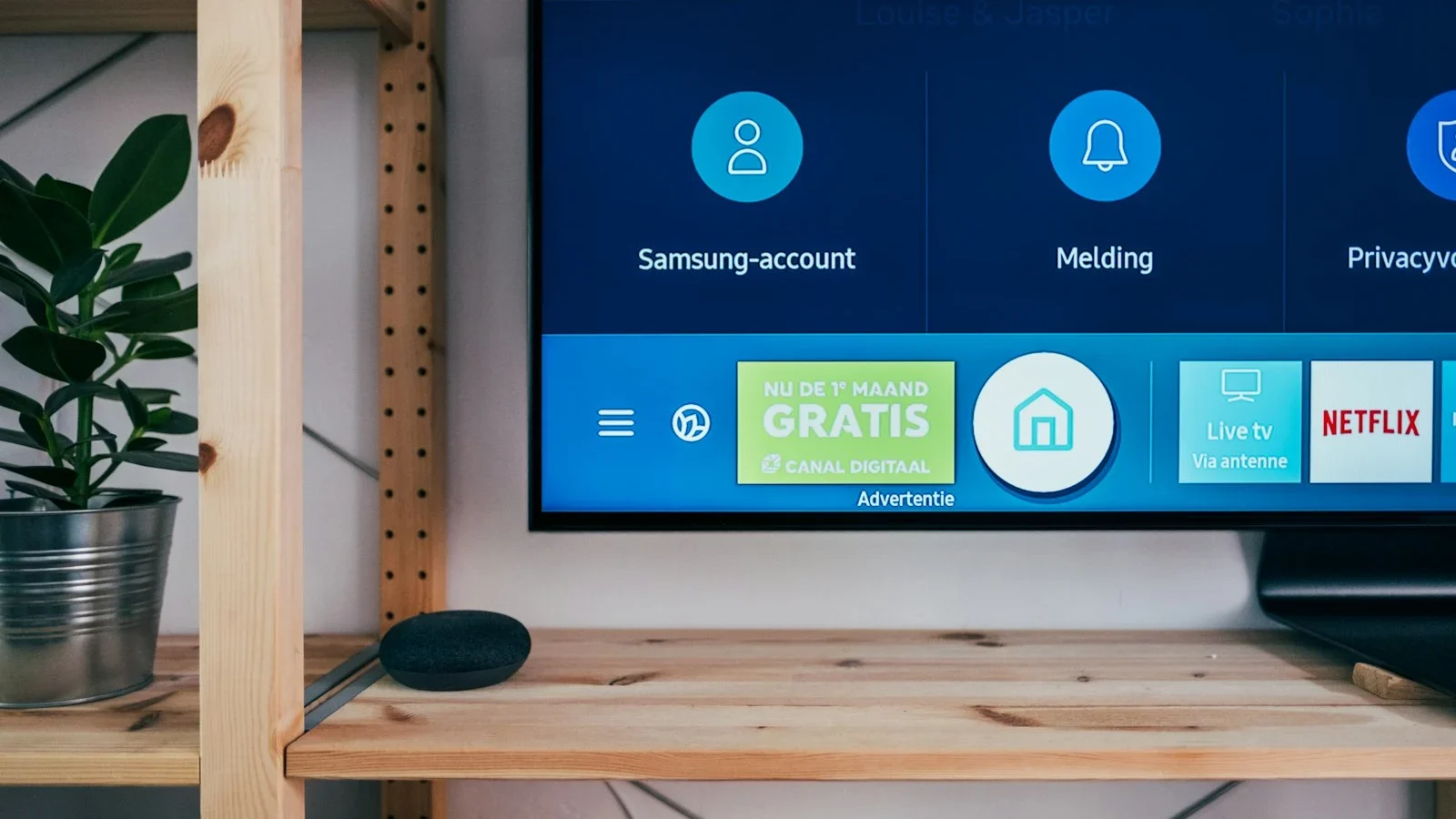
Tailor your application selection to match your hardware controls. On big-screen televisions, responsive remote control zapping and clear grid guides matter most. On handheld tablets and mobile screens, touch navigation and instant keyword search take priority.
Use your 24-hour preview period to evaluate font readability and channel lineup layout from your living room sofa before deciding on your permanent player choice.
Verify which applications are officially hosted in your television application store before buying new hardware. Samsung features Tizen Apps, LG provides the Content Store (webOS), and Google-powered TVs host Google Play.
If your television native interface feels sluggish, connecting a high-speed streaming media dongle or Apple streaming box ensures instantaneous channel zapping and uninterrupted throughput.
Whenever transferring to upgraded equipment or trying a new player application, simply re-enter your Xtream Codes credentials for immediate synchronization of your live stations and on-demand movies.
Always pause or exit playback on the former screen prior to launching the new feed to prevent exceeding your allotted concurrent connections. Our configuration guide provides comprehensive connection instructions.