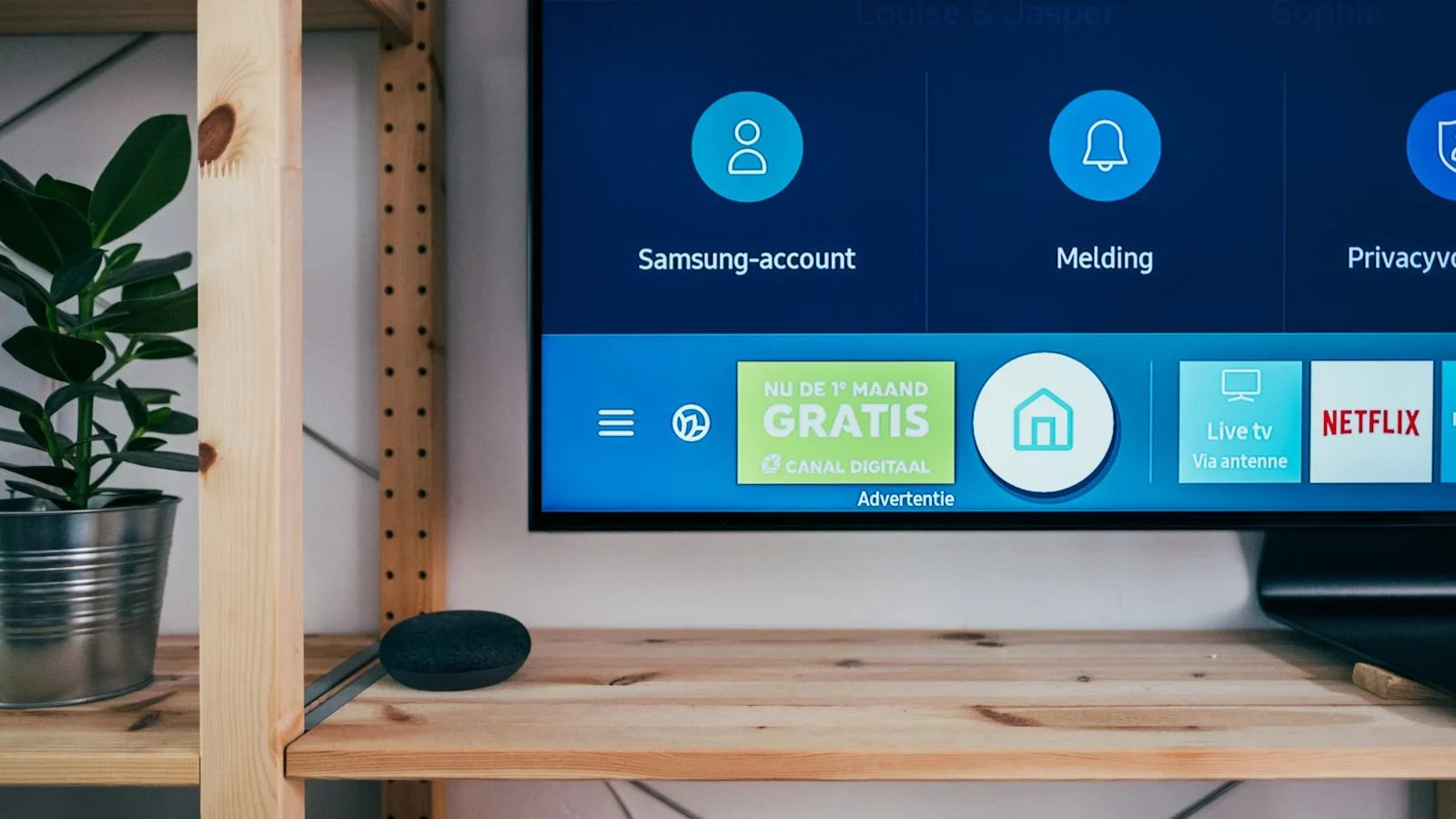
Choosing media player software starts with the hardware screen you use most frequently, rather than interface aesthetics alone. A superior application is one you navigate smoothly using your standard TV remote while populating channel directories and EPG schedules without delay.
In this review, we examine seven concrete criteria designed to help you select the ideal playback client for your smart television or streaming stick. Detailed application profiles are available in our hardware and apps overview.
1. Confirm Your Display Operating System and Viewing Habit
Identify the exact hardware model and firmware platform powering your display (e.g. Android TV, Google TV, Samsung TV platform, LG webOS system, or Apple tvOS). Application catalogs vary significantly across operating ecosystems, so always begin by exploring your television's native app gallery directly.
Consider your typical household viewing scenario. On large living room displays, channel switching and category browsing must respond instantaneously to standard remote arrow buttons. On touch devices, generous touch targets and rapid touch gesture response matter most. For example, TiviMate's official Google Play listing demonstrates an interface purpose-engineered for remote control navigation.
2. Verify Account Protocol Compatibility (Xtream / M3U) Prior to Payment
We supply both Xtream API server credentials and direct M3U web playlist URLs. Confirm that your prospective media software accepts one of these formats for simple, organized authentication.
When evaluating new player software, keep your previous setup active until the new client is fully validated. Follow our step-by-step setup walkthrough for configuration guidance.
3. Distinguish Between Player Applications and Subscription Playlists
A media player application functions solely as an empty digital playback engine — it houses zero channel feeds until you connect your active subscription credentials. Popular tools like TiviMate and IPTV Smarters Pro Smarters Player emphasize that they are media decoders only. All live broadcasts and video libraries are delivered through your IPTVServiceTV membership.
Smarters Pro operates across multiple device categories, but always download installations from verified app marketplaces to protect against modified third-party software.
4. Evaluate Daily Operations (Zapping Speed, EPG, Audio Tracks)
During your 24-hour test window, confirm that your essential live channels, electronic program guides, and secondary audio streams operate as anticipated using your television remote.
- Sample multiple sports and national feeds to observe channel transition speed and stream buffering latency.
- Open the Electronic Program Guide to confirm schedule listings match your local time zone.
- Toggle closed captions, subtitles, and secondary audio tracks in the player overlay menu.
- Cold-restart the player to verify that saved credentials, favorite tags, and custom groups persist reliably.
Our troubleshooting walkthrough helps you resolve wireless and player obstacles rapidly. Explore our troubleshooting manual for quick fixes regarding freezing or video playback issues.
5. Review Software Licensing Fees and Feature Tiers
Check the app marketplace or developer portal to see whether an app is freeware or requires a one-time activation key. Many leading players provide complimentary trial windows prior to requiring premium upgrades.
Do not conflate player license activation with the concurrent connection limit on your subscription. You can install an authorized player on multiple screens in your residence, but standard memberships broadcast to one screen simultaneously. Review our order and activation guide.
6. Download from Certified Marketplaces and Protect Account Secrets
Install applications exclusively through official channels such as Google Play Store, Samsung Galaxy Store, LG Content Store, or the Apple App Store. Avoid installing untrusted APK packages sourced from unverified download hubs.
Your M3U playlist address and Xtream credentials contain your confidential account key. Never post these links in public discussion boards or community forums.
7. Make Your Determination Through Practical Home Testing
Test your prospective player under everyday viewing conditions. Change channels across various genres, look up a live match or movie, and scroll through the program guide. When the interface feels second nature, you have identified your ideal software!
| Viewing Scenario | Crucial Evaluation Metric |
|---|---|
| Living Room Smart TV | Instantaneous channel switching and ergonomic remote navigation. |
| Mobile or Tablet Display | Intuitive touch controls, clean typography, and responsive aspect-ratio rotation. |
| Multi-Screen Households | Effortless Xtream credential login and complete EPG guide alignment. |
| Migrating from Another Player | Rapid playlist ingestion and proven stability on your home network. |
Frequent Misunderstandings to Avoid
A widespread misconception is assuming that purchasing a player app from an app store includes active TV channels. Remember that the application is merely a video playback shell — an IPTVServiceTV membership is what provides real-time broadcast and on-demand streaming access.
What matters most is stream stability, uninterrupted 60fps fluidity for live sports, and prompt response times when browsing channel categories.
Final Pre-Flight Checklist Before Choosing
- I have verified the exact model and operating platform of my television or device.
- I downloaded the media player from a verified official application store.
- My preferred login architecture (Xtream or M3U) is supported and tested.
- Remote control or touchscreen navigation feels immediate and intuitive.
- I understand the difference between third-party player software and subscription content.
- I confirmed that subtitles, alternative audio feeds, and program guides load correctly.
- I keep my account credentials and playlist URLs stored securely.
With these items satisfied, you are set for an exceptional television experience. Connect with our WhatsApp technical desk if you seek personalized recommendations.
References and Disclaimers
Software insights updated for 2026 from official developer resources: TiviMate on Google Play and Smarters Pro Official Portal. Feature availability and codec compatibility vary by hardware model. Trademarks belong to their respective proprietors.
Illustration depicting compatible hardware screens.